Dirt Town Controls and Machines
Dirt Town shows each machine's keys on a small panel at the bottom of the screen. This page puts those keys, the general keys players confirmed, and the Xbox controller layout in one place.
Last checked November 26, 2026. Keys come from the demo build and may change in Early Access.
Press F to get into a machine and Backspace to respawn it. Arrow keys raise and lower the blade or bucket, Q/E angle the dozer blade, Z/X pitch it, and G shows the grade grid. Each machine also has its own panel keys, such as N (float) and J (auto-level) on the dozer and K (hook) on the loader.
General Dirt Town keys
These keys work across machines. Several creators and players confirmed them in the demo.
| Key | What it does |
|---|---|
| F | Get into a machine |
| Backspace | Respawn the machine you are sitting in (also the fix for "Engine flooded") |
| ↑ ↓ | Raise or lower the blade or bucket. In the hauler, Down raises the bed and Up lowers it. |
| Q E | Angle the dozer blade left and right |
| Z X | Pitch the dozer blade forward and back |
| G | Show the grade grid: blue = fill, red = cut, green = on grade |
| V | Change camera view |
Backspace only works while you are in the machine. An empty vehicle that falls off the map can't be recovered without restarting the map.
Dozer controls
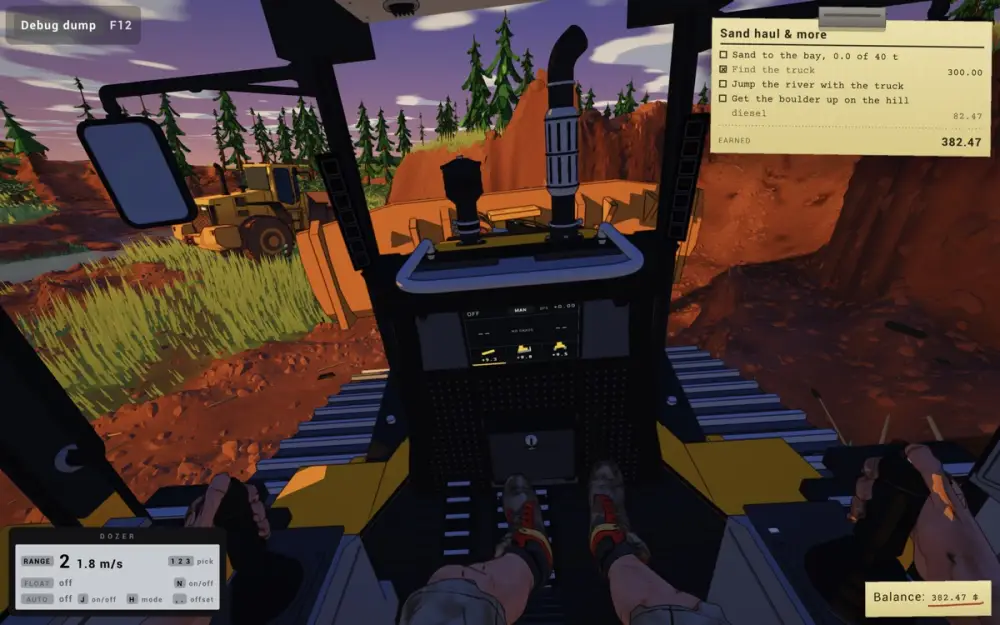
The dozer panel in the official screenshots shows these keys:
| Key | Panel label | Use |
|---|---|---|
| 1 2 3 | pick (range) | Gear range |
| N | float on/off | Lets the blade rest on its own weight. Players find it most useful in reverse. |
| J | auto on/off | Auto-level to your grade sticks |
| H | mode | Blade mode (shown as "free tilt" in one screenshot) |
| , . | offset | Raise or lower the auto-level target |
How to use grade sticks and auto-level
The store sums it up as "Set sticks, auto level with the dozer". Players describe the workflow like this:
- Get out of the machine. Press 2 to hold a grade stick (1 is empty hands).
- Place a stick at the top and one at the bottom of the slope or road you want.
- Look at a placed stick and press E, then use ↑ ↓ to set its height. Hold E to remove it. Sticks have road and pad modes.
- Back in the dozer, press J for auto and fine-tune with , and .. Use G to see where you still need to cut or fill.
Wheel loader controls
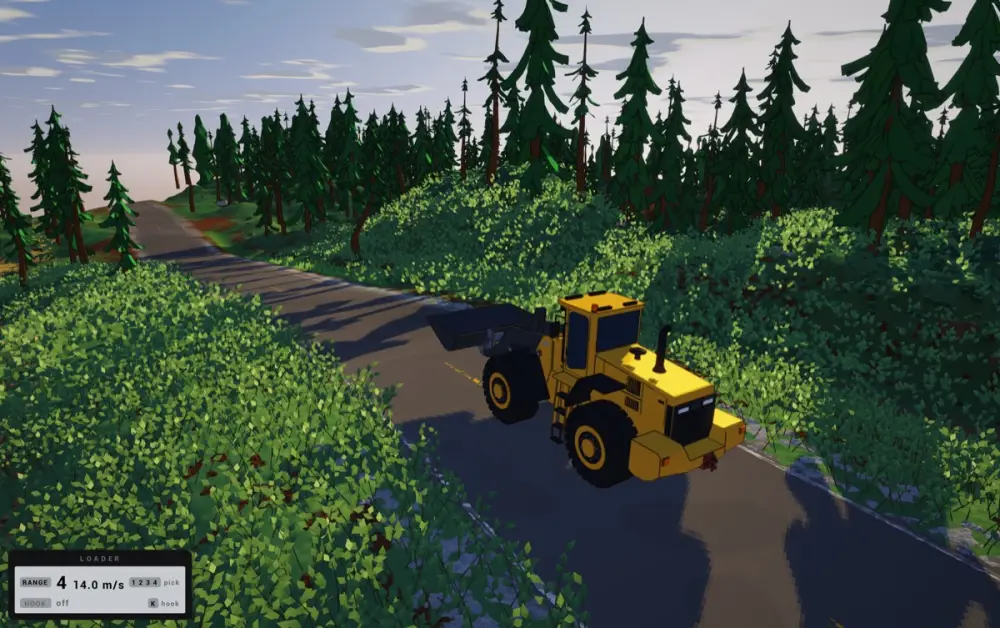
| Key | Use |
|---|---|
| 1–4 | Gear range |
| K | Hook |
| U | Unlock the bucket (shown as an on-screen prompt) |
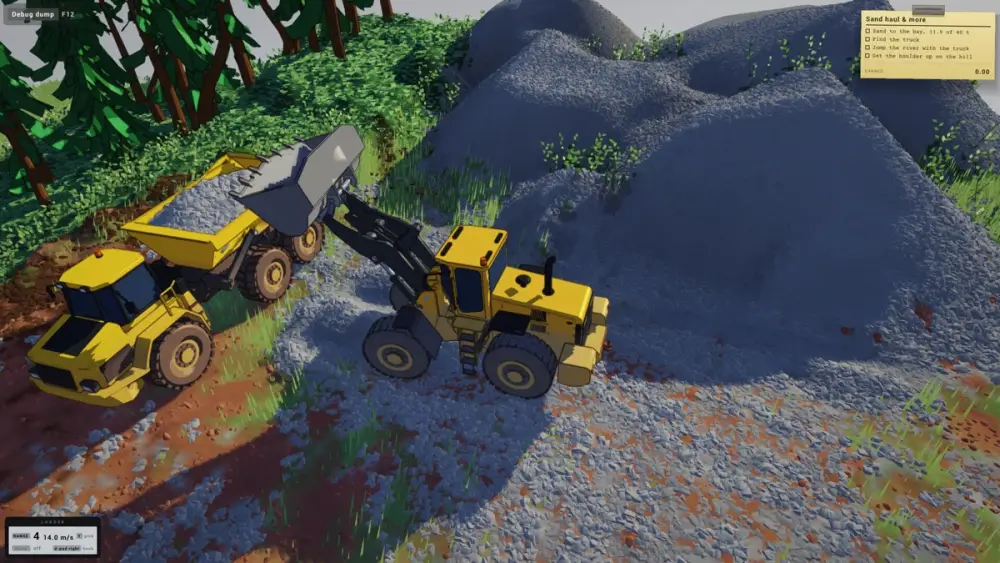
The developer explained that the loader's steering stays where you set it at low speed and straightens itself at higher speed. He said this may become a setting.
Hauler controls
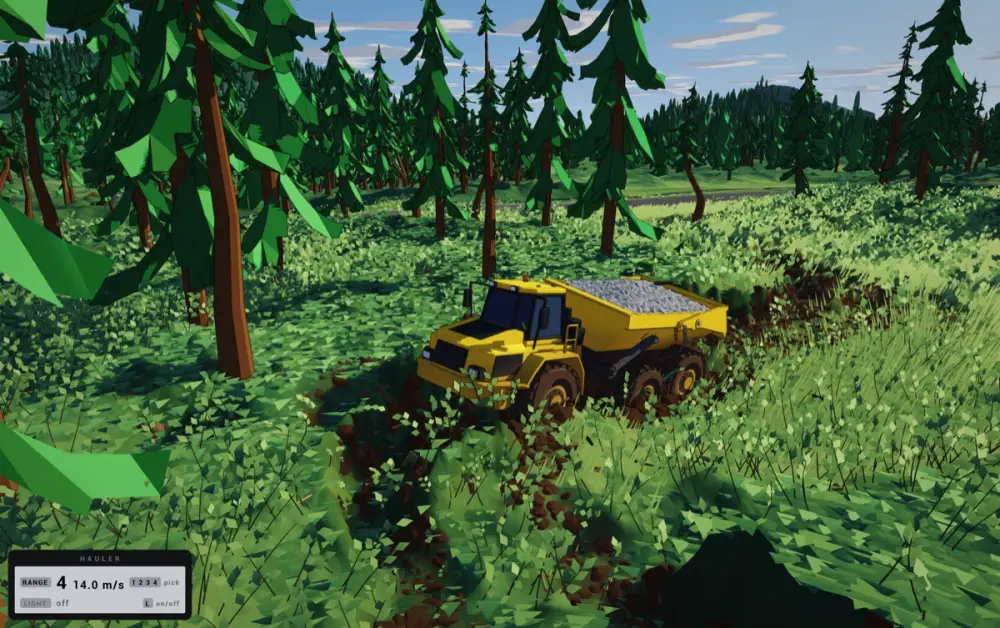
| Key | Use |
|---|---|
| 1–4 | Gear range |
| L | Lights on/off |
| ↓ / ↑ | Raise / lower the dump bed |
Excavator controls (Early Access)
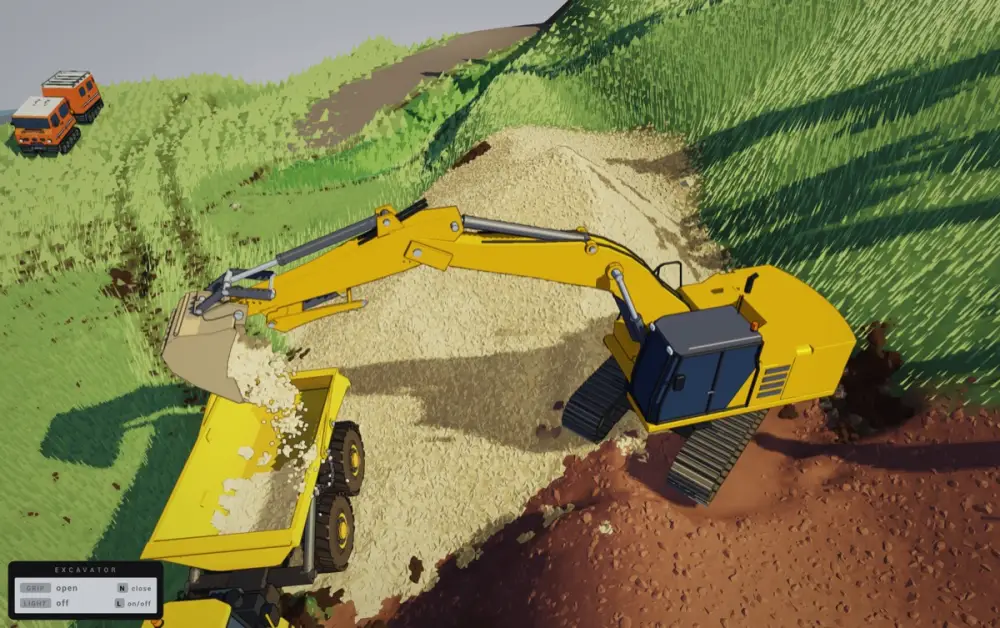
The excavator is locked in the demo and arrives with Early Access on December 4. Its panel in the official screenshot shows N for grip close/open and L for lights. We will add the full layout once it is playable.
Xbox controller layout
From the official screenshots:
- Dozer: Y range, A float, B auto, Y mode and offset
- Wheel loader: Y range, D-pad → hook
From players:
- Drive with the left stick (not the triggers).
- Hold LB and use the right stick to work the bucket or blade.
- The D-pad sets the dozer blade angle and pitch.
- Y opens a context wheel. Pick with the right stick and confirm with A.
Remapping, wheels and joysticks
- Remap keys: Settings → Controls, or Settings → Edit while seated to jump to that machine. Players mention a "Classic" scheme and a Farm Sim-style mouse mode.
- Wheels, HOTAS, farm sticks: players report Thrustmaster TCA, T248, T3PM and HOTAS sets being recognised. Some Logitech G920 and Driving Force Pro pedals failed to bind.
- Axis problems: the controls menu warns about axes that don't rest at centre. For HOTAS and VKB sticks, players fixed binding by turning off Steam Input for Dirt Town (Steam → Dirt Town → Properties → Controller).
Dirt Town controls FAQ
Can I rebind keys in Dirt Town?
Yes. Use Settings → Controls. While sitting in a machine, Settings → Edit opens that machine's section. Players report that mouse side buttons cannot be bound yet.
Does Dirt Town support controllers and wheels?
Steam lists partial controller support (Xbox controllers). The store says most peripherals are supported, from gamepads to joysticks and wheels.
Is there a first-person view?
An official screenshot shows a first-person cab view. Players say V changes the camera, but they disagree on exactly which views it cycles through.
How do I switch between machines?
There is no Tab switch. You get out and walk to the next machine, then press F.
Sources: HUD panels in the official Steam screenshots; the Steam store page; demo videos by QuadThumb Gaming, Kerbo, Britto and Raptor; and Steam forum threads. Player reports are marked as such.